
Work through Form I-9 decisions one question at a time.
Practical, educational guidance for completing and keeping Form I-9 records, from Elevate Justice.
Built for the moments Form I-9 gets hard
Onboarding a new hire
Section 1 by the first day of work, Section 2 within three business days. Check the documents in front of you before you sign.
Reverification
An EAD or other work authorization is expiring. See whether Supplement B applies, what the employee may present, and what to do if nothing valid arrives in time.
Deciding which documents are acceptable
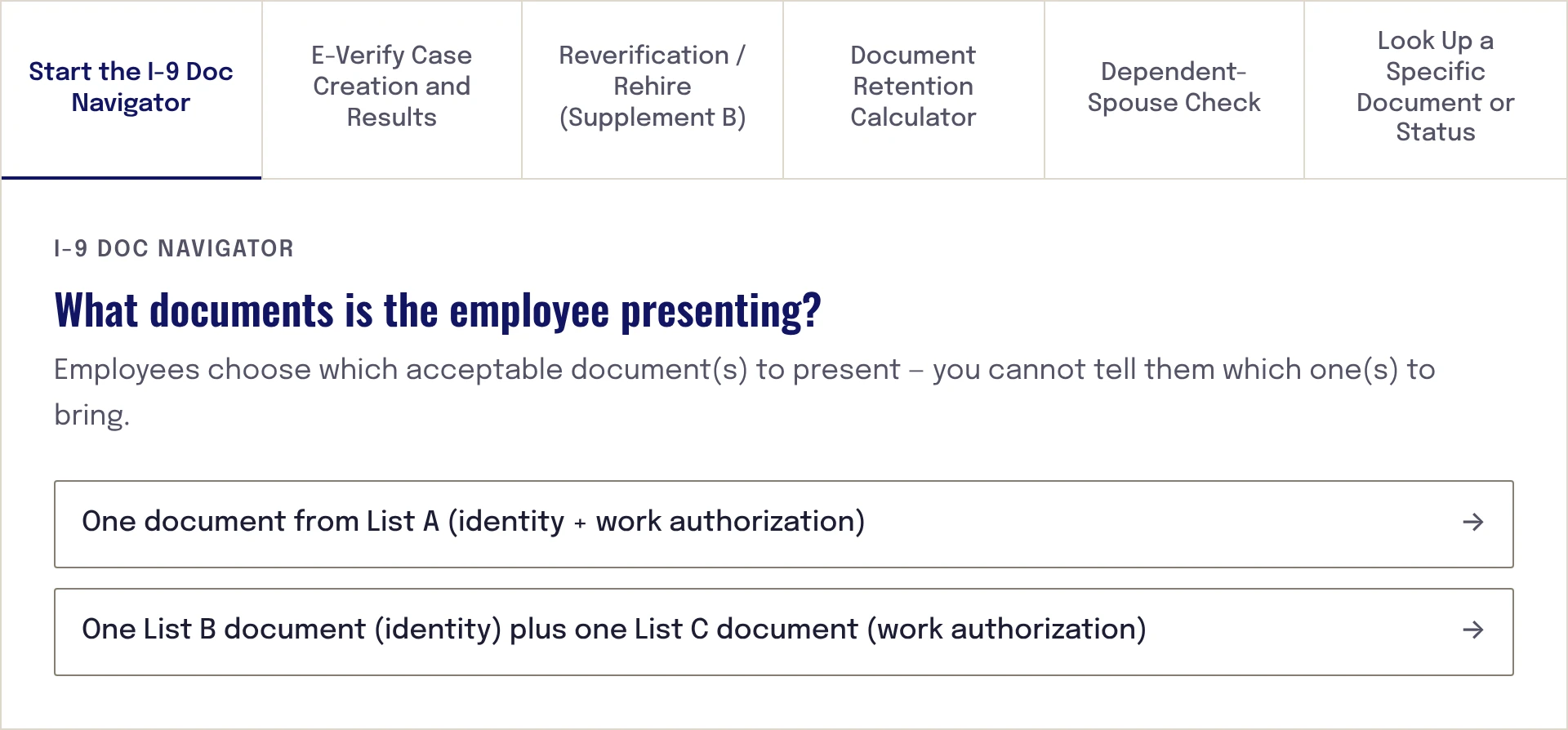
One document from List A, or one from List B plus one from List C, chosen by the employee, never by you. Receipts, auto-extensions and EAD category codes included.
Keeping records for the required period
Keep each Form I-9 for three years after the date of hire or one year after employment ends, whichever is later. The Retention Calculator works out the date.

One membership, everything included
- Monthly or yearly, no contract. Cancel any time from your billing page.
- Sign in with a one-time code sent to your email. There's no password to manage or reset.
- Print or save any result. Each result prints as a clean page with your name and the date, ready for your I-9 file.
- ImmigrationSuite members get access free. Request access and Elevate Justice confirms your membership.
What's inside
- I-9 Doc Navigator
- which documents to accept for Section 2 (List A, or List B with List C)
- E-Verify Case Creation and Results
- opening a case and what each result means
- Reverification / Rehire (Supplement B)
- when it applies, and what to do when it doesn't
- Document Retention Calculator
- the date until which each Form I-9 must be kept
- Dependent-Spouse Check
- H-4, L-2, E and J-2
- Look Up a Specific Document or Status
- EADs and category codes, TPS, parole, refugees, asylees and more
Also included
- Resource Library
Audit trackers, checklists and reference documents for I-9 work, ready to download in Word, Excel or PDF.
- Video Learning Center
Short, captioned videos on completing and correcting Form I-9.
- Updates
Plain-language notes when USCIS changes I-9 rules, acceptable documents or extension windows, by email straight away or as a weekly or monthly round-up.
Built by an immigration attorney.
Every screen of the I-9 Doc Navigator is managed by Elevate Justice U.S. Immigration Law.
Elevate Justice U.S. Immigration Law is an employer-side I-9 compliance and worksite enforcement defense firm. Its guidance draws on experience from inside the federal agencies that enforce these rules.
- Experience at the U.S. Department of Homeland Security (ICE Office of Principal Legal Advisor)
- Experience at the U.S. Department of Labor's Office of the Solicitor
- Admitted to practice in Florida and the District of Columbia
- Active member of AILA and the ABA
Frequently Asked Questions
Is the I-9 ToolBox legal advice?
No. The I-9 ToolBox provides educational guidance, not legal advice, and using it does not create an attorney-client relationship. For advice about a specific employee or situation, consult a qualified immigration attorney.
Does the ToolBox store employee information?
No. The tools never ask for an employee's name, Social Security number or copies of their documents: you choose from the options on screen, and dates you enter in the Retention Calculator stay in your browser. The site keeps only what it needs to run your membership, such as your account and a count of how often your account uses the I-9 Doc Navigator, which stops automated copying. The Privacy Policy (opens in a new tab) has the details.
How do I know the guidance is current?
Elevate Justice keeps the tools up to date, and members get an update when I-9 rules, acceptable documents or extension windows change.
Can I cancel?
Yes. Cancel any time from your billing page.